
Registering a Domain
Secure your client’s online identity with a custom domain name. Our Domain Registration service allows resellers to search, register, and manage domains easily — all from your storefront. We support a wide range of domain extensions including:
.com, .net, .org, .io, .co, and many more.
Features Included
-
DNS Management
Full control over DNS records such as A, CNAME, MX, TXT, and more. -
Nameserver Updates
Point domains to any hosting provider using default or custom nameservers. -
Domain Locking
Prevent unauthorized transfers for added security. -
Auto-Renewal
Ensure domains never expire unexpectedly.
Getting Started
-
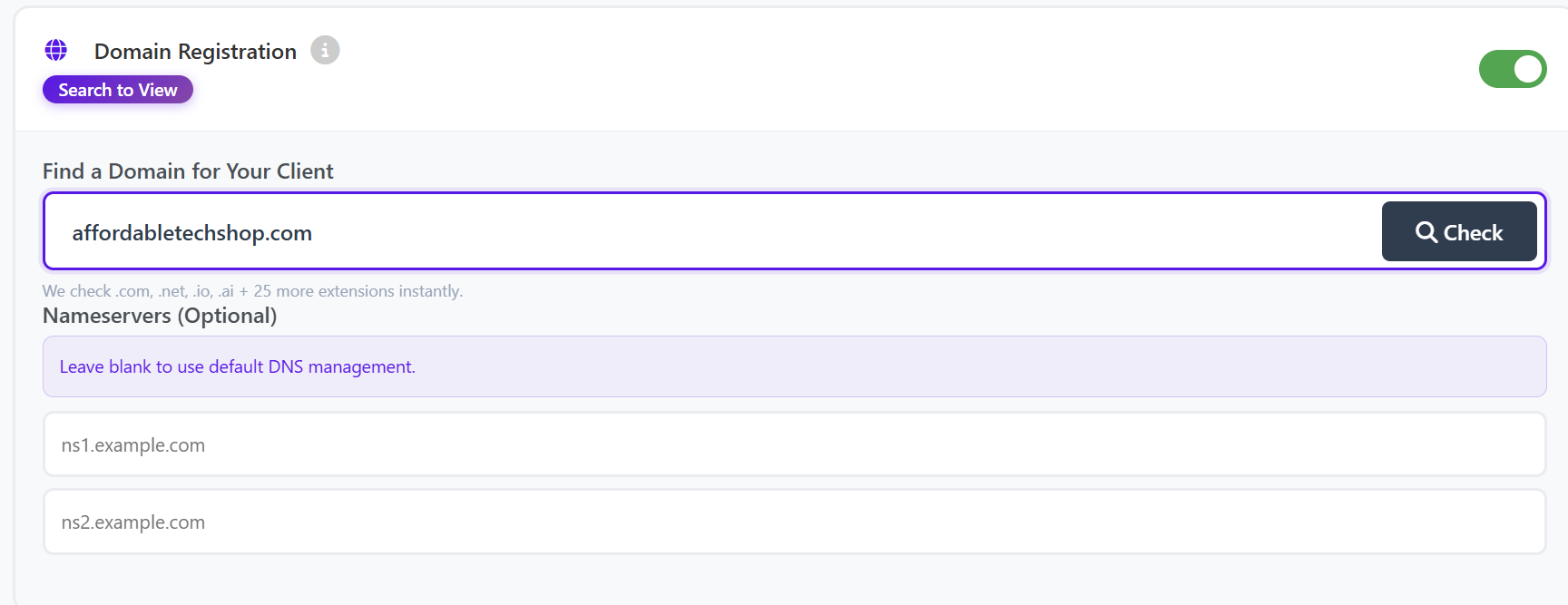
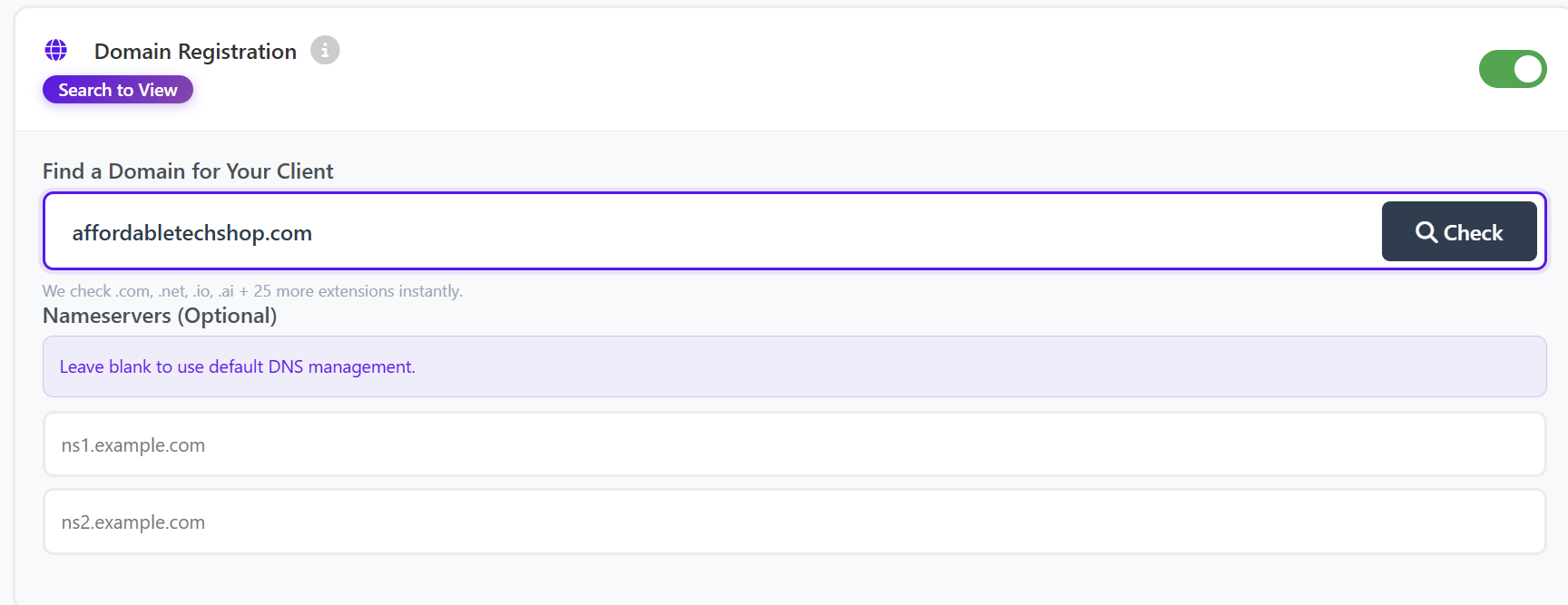
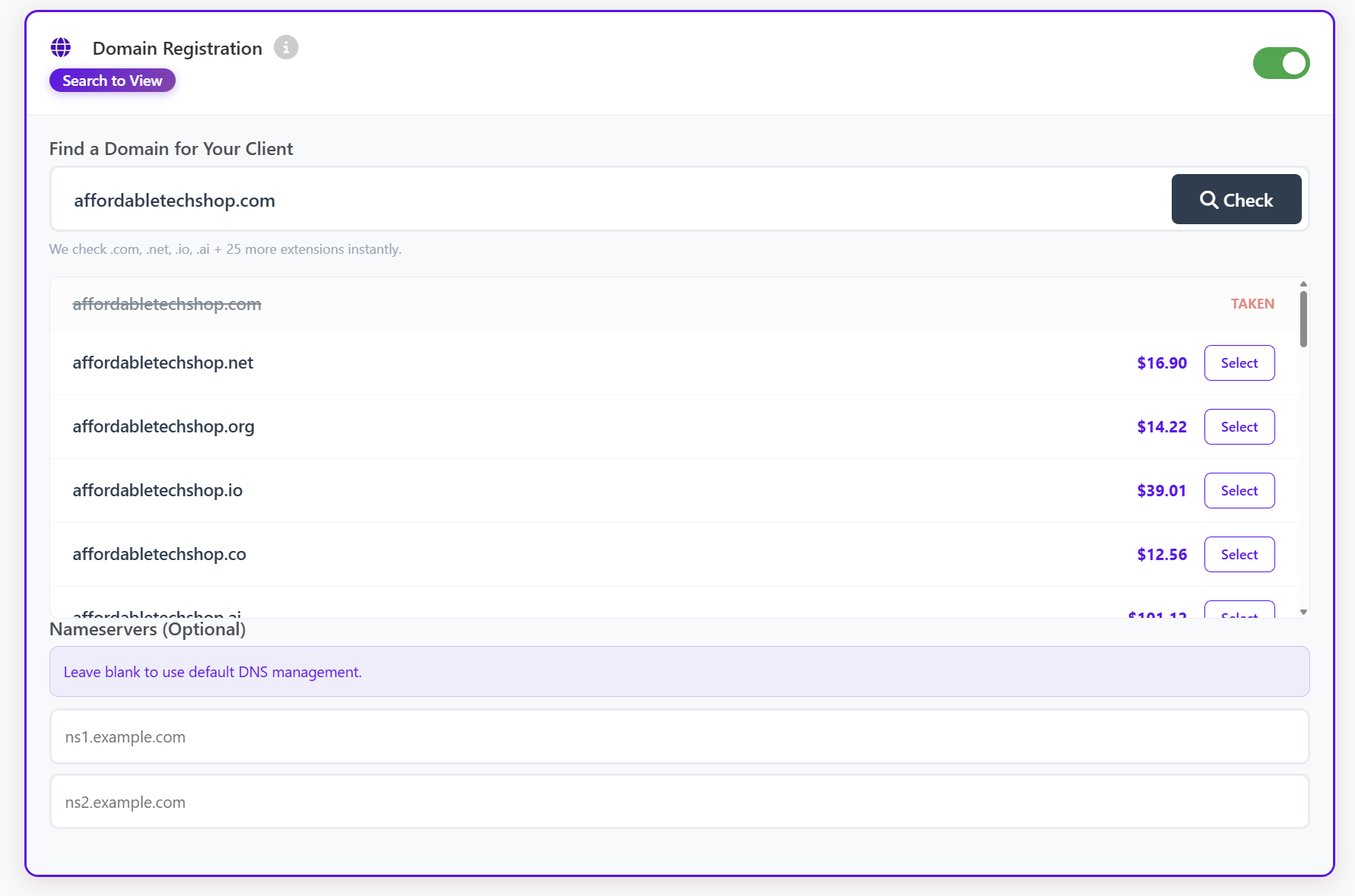
On the New order page, choose the client and switch on Domain Registration.
-
Enter the desired domain name (example:
examplebusiness.com). -
Click Check.
Domain Availability
-
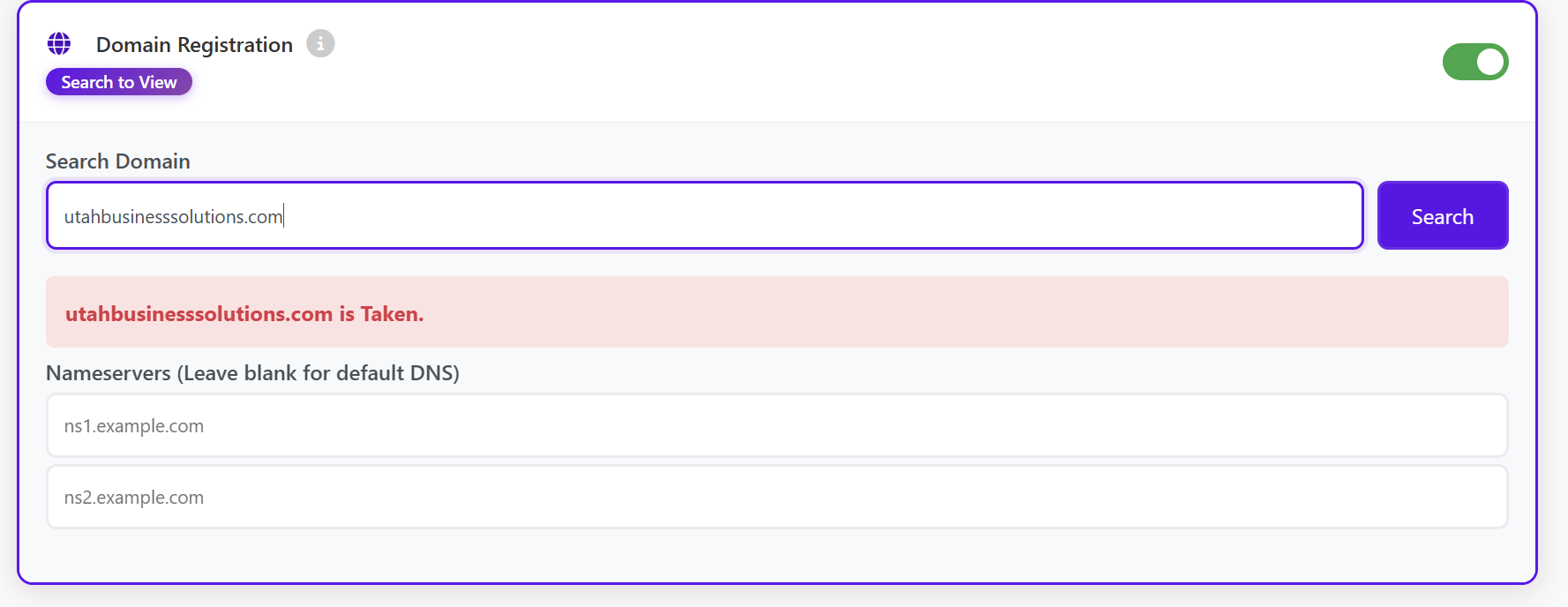
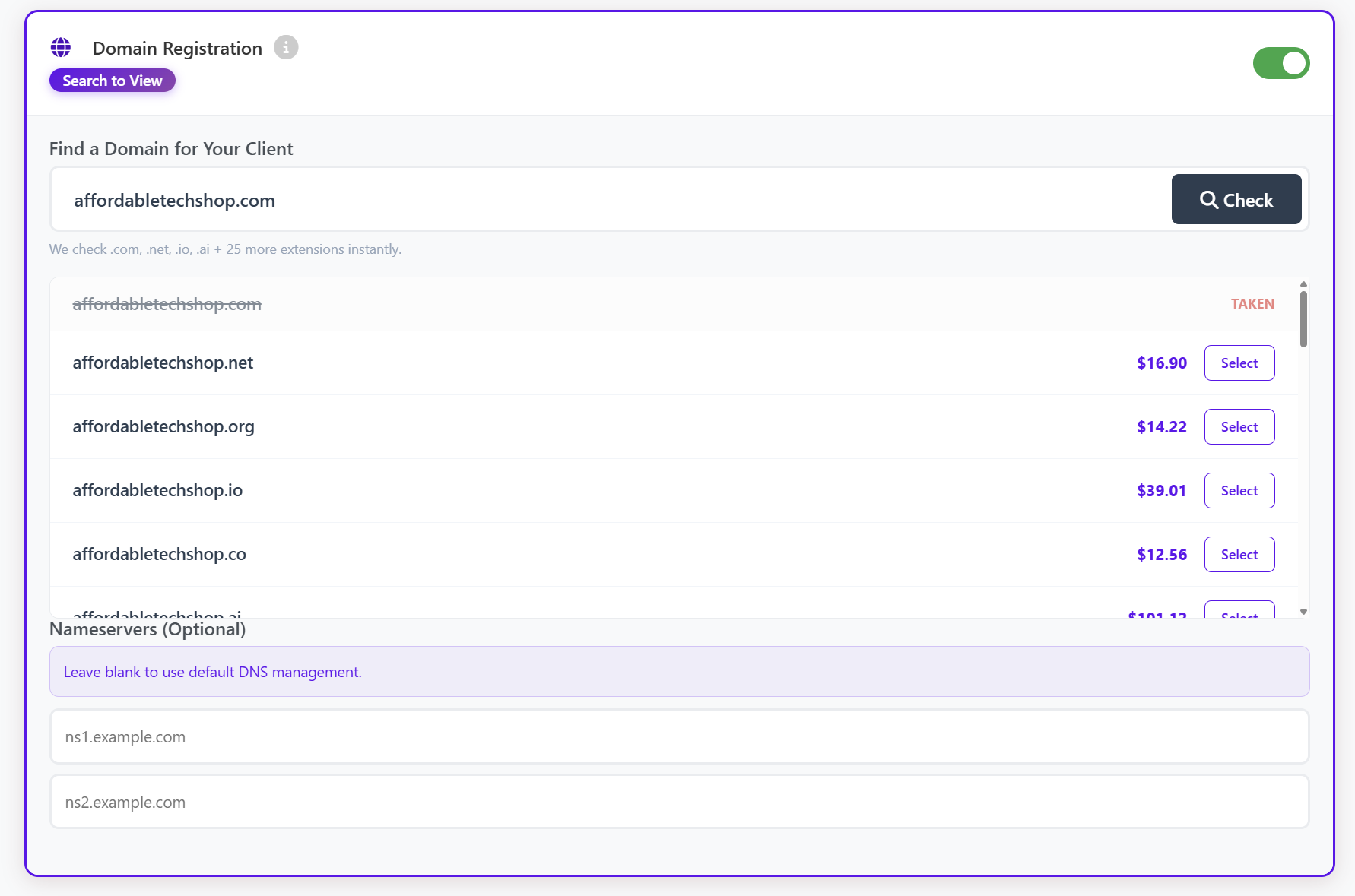
If the domain is already taken, it will be marked as unavailable.
-
Alternative domain extensions will be displayed with pricing.
-
Simply select an available option and continue.
-
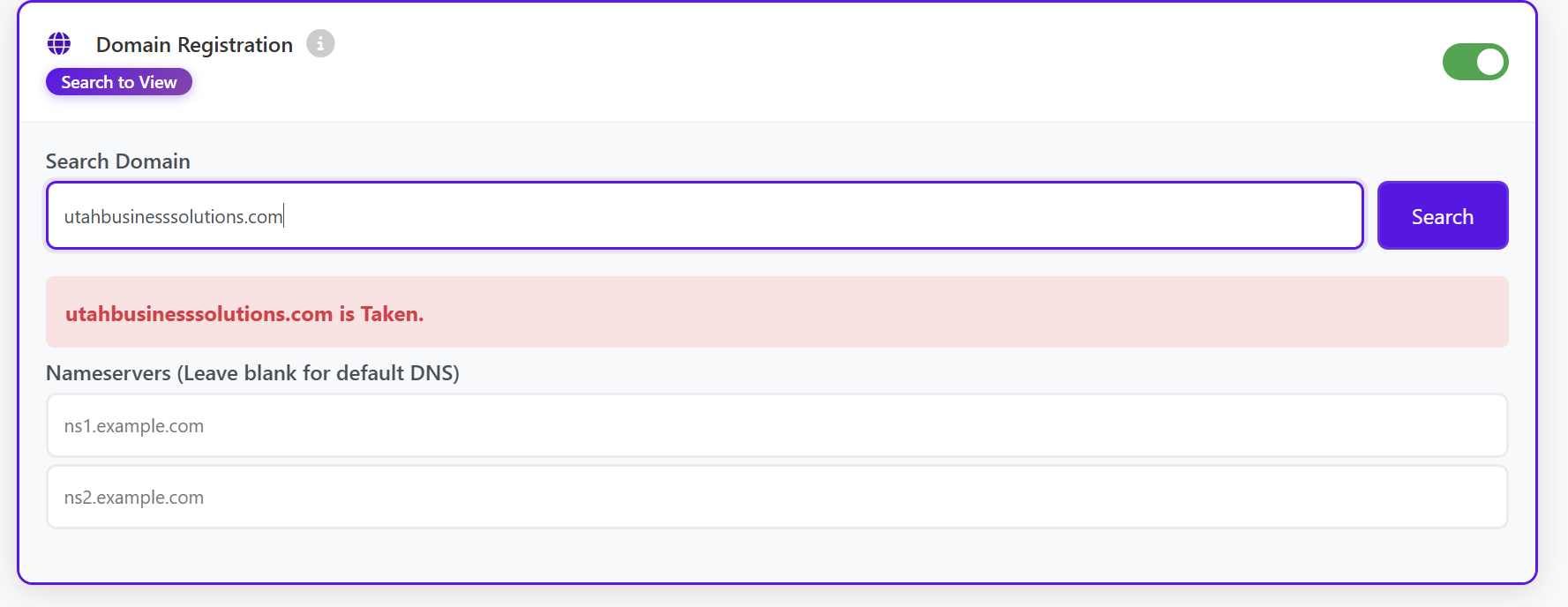
Select the desired domain.
-
Complete checkout to activate the service.
Once activated, the domain will appear in your storefront under My Services.
Transfers
- Checkout registers new domains only. To move an existing domain in from another registrar, ask our team: unlock the domain there, get its EPP code and send both to us through live chat or a ticket. It costs the same as a one-year renewal, and that year is added to the domain.
- Domains registered here can be transferred out: the client unlocks it with Transfer Lock in their Domain Manager and gets the EPP code. ICANN doesn't allow transfers in the first 60 days after registration.
Price
Prices depend on the extension and are shown when you search. Your margin applies.